Modern work culture demands prolonged sitting—often 6–10 hours daily. This sedentary behavior, combined with poorly designed seating, has become a leading contributor to back pain, poor posture, and long-term musculoskeletal disorders. Understanding the difference between normal office chairs and ergonomic chairs is critical—not just for comfort, but for long-term health and productivity.
1. What Happens to Your Body When You Sit for Long Hours
Prolonged sitting places continuous stress on the spine, muscles, and joints.
- The spine compresses under gravity, especially in the lower back
- Muscles (hamstrings, hip flexors) tighten and weaken
- Blood circulation reduces, leading to fatigue
- Poor posture increases pressure on spinal discs
Studies show office workers spend over 80% of their workday sitting, often in static positions that strain the body.
Over time, this leads to:
- Chronic lower back pain
- Neck stiffness
- Shoulder tension
- Reduced mobility
2. Normal Office Chairs: Hidden Health Risks
Key Characteristics
- Fixed backrest
- Minimal or no lumbar support
- Limited adjustability
- Flat seat design
Health Impact
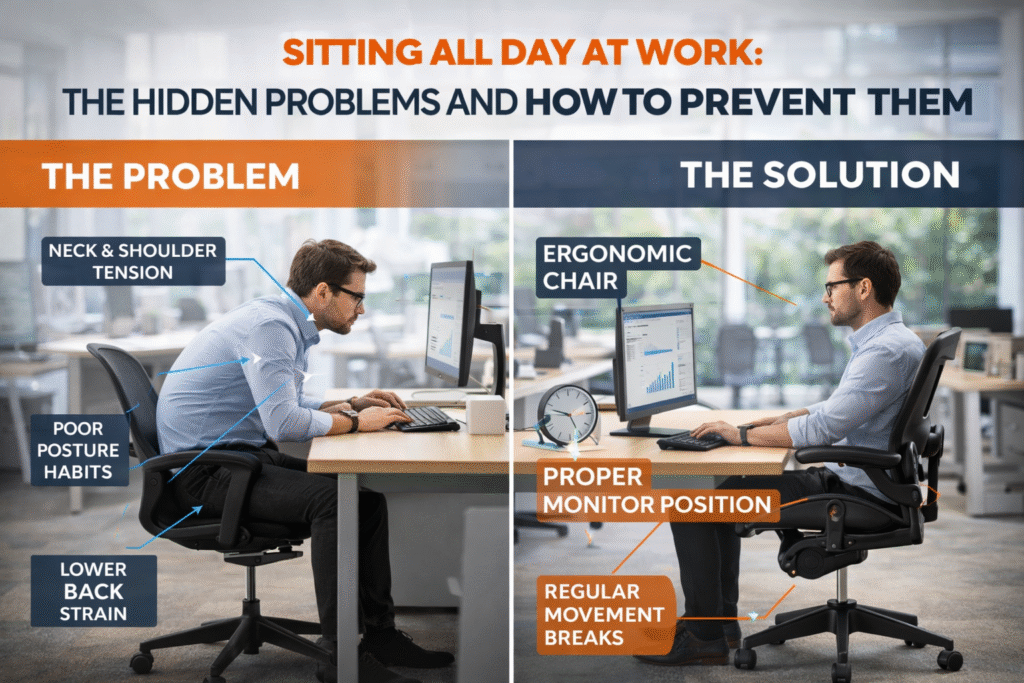
Normal chairs fail to support the natural S-shaped curve of the spine, forcing users into unhealthy postures.
Common issues include:
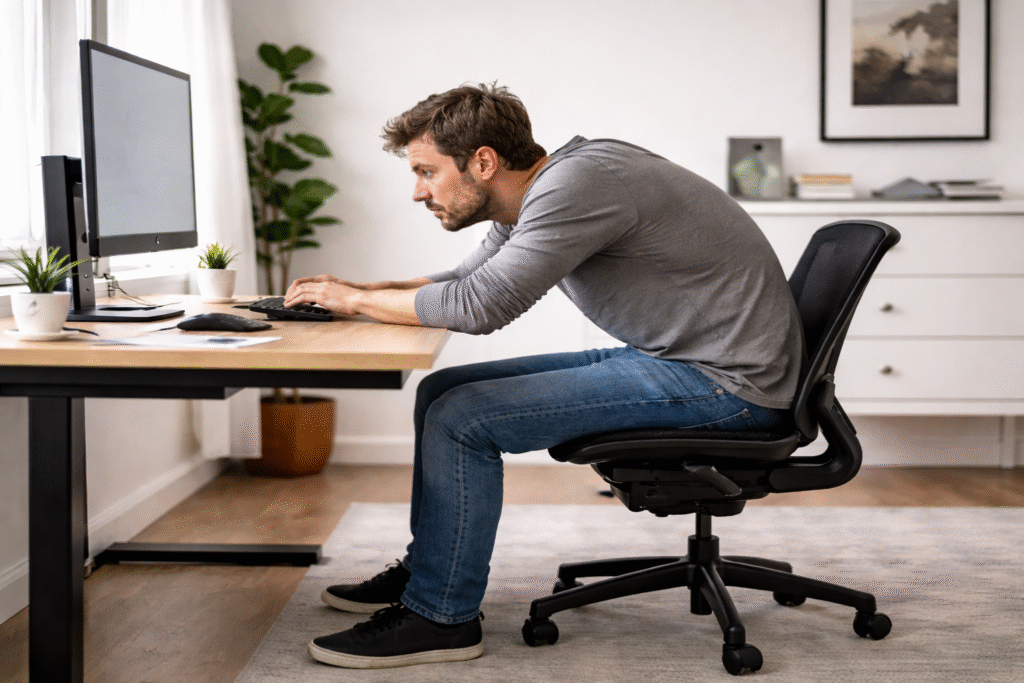
- Slouching and forward head posture
- Increased pressure on spinal discs
- Muscle imbalance and fatigue
- Higher risk of musculoskeletal disorders
Research indicates that traditional chairs lack features that promote healthy posture, increasing long-term health risks.
3. Ergonomic Chairs: What Makes Them Different
Key Features
- Adjustable lumbar support
- Seat height and depth adjustment
- Reclining backrest (typically 90°–120° or more)
- Adjustable armrests and headrest
- Designed to fit body dimensions
Health Benefits
Ergonomic chairs are designed to adapt to the human body, not the other way around.
Proven advantages include:
- Improved spinal alignment
- Reduced lower back pain
- Better blood circulation
- Lower fatigue and higher productivity
Studies show that proper chair design (especially lumbar support and seat tilt) leads to more neutral spine posture and better muscle engagement .
Additionally, ergonomic seating can reduce musculoskeletal symptoms and discomfort over time.
4. Ergonomic vs Normal Chairs: A Practical Comparison
| Factor | Normal Chair | Ergonomic Chair |
|---|---|---|
| Posture Support | Poor | Strong (lumbar + spine alignment) |
| Adjustability | Minimal | Highly adjustable |
| Comfort (Long Hours) | Low | High |
| Health Impact | Negative over time | Preventive and corrective |
| Productivity | Decreases | Improves |
However, an important nuance:
Some studies show limited differences in short-term muscle activation between chair types
👉 This means:
- A chair alone is not a complete solution
- Behavior (posture, movement) matters equally
5. The Reality: Ergonomic Chairs Are Helpful—but Not Magic
Even the best ergonomic chair can fail if:
- It is not adjusted properly
- You sit continuously without breaks
- Your desk setup is incorrect
Improper use can still lead to discomfort despite having a high-end chair.
6. What If You Can’t Afford an Ergonomic Chair?
This is where most people need practical solutions. You can significantly reduce health risks without buying an expensive chair.
A. Fix Your Sitting Posture (Highest Impact)
- Keep back straight with natural curve
- Shoulders relaxed, not rounded
- Feet flat on floor
- Knees at ~90° angle
B. DIY Lumbar Support
- Use a small pillow or rolled towel behind lower back
- This mimics ergonomic lumbar support
- Reduces spinal disc pressure
C. Optimize Desk Setup
- Screen at eye level
- Keyboard at elbow height
- Avoid leaning forward
D. Follow the 30–30 Rule
- Every 30 minutes → stand or move for 30–60 seconds
- Movement prevents muscle fatigue and improves circulation
E. Stretching Routine (2–3 times daily)
Focus on:
- Hamstrings
- Hip flexors
- Lower back
- Neck and shoulders
F. Strengthen Core Muscles
A strong core reduces spinal load.
Simple exercises:
- Plank (30–60 sec)
- Bird-dog
- Glute bridges
G. Alternate Sitting Positions
- Slight recline (100°–110°) reduces spinal pressure
- Avoid sitting rigidly for long periods
7. Low-Cost Alternatives to Ergonomic Chairs
If budget is limited, consider:
- Lumbar support cushions
- Seat cushions for pressure distribution
- Footrests (or a simple box)
- External monitor stand
These small upgrades can significantly improve posture at minimal cost.
Conclusion
The difference between normal and ergonomic chairs is not just comfort—it directly affects long-term spinal health.
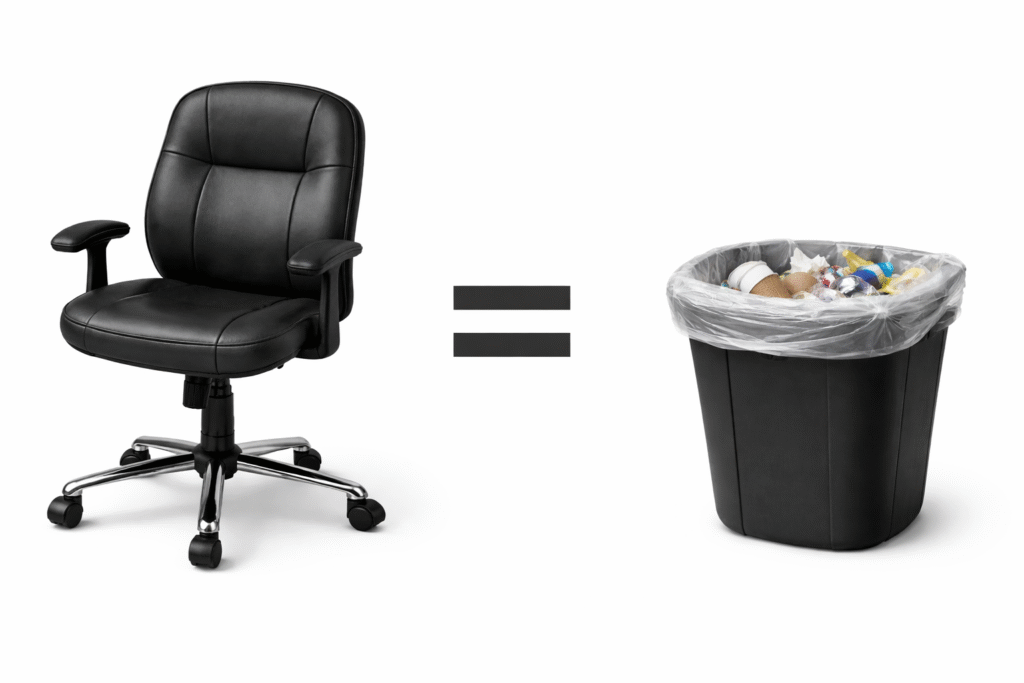
- Normal chairs often contribute to poor posture and chronic pain
- Ergonomic chairs help maintain alignment and reduce strain
- But movement, posture, and setup matter more than the chair alone
For those unable to invest in ergonomic seating, behavioral adjustments and simple DIY solutions can still prevent most health issues effectively.
Key Takeaway
The best “chair upgrade” is not just buying a better chair—it’s learning how to sit, move, and work correctly.