

Surviving WFH in NYC: How to Build an Ergonomic Workspace When Your "Office" is Basically a Closet
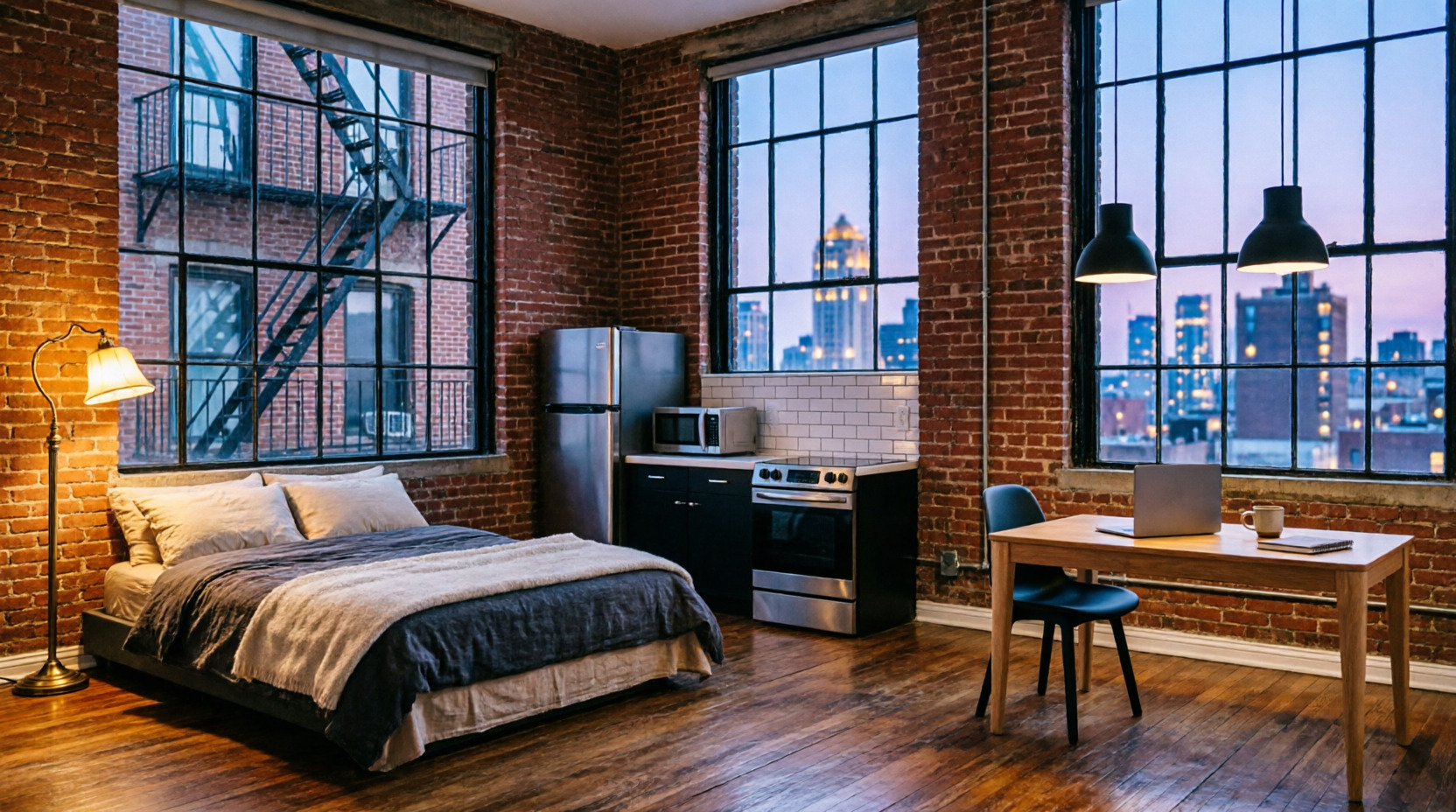
Welcome to the New York City work-from-home dream. You’ve successfully traded your 45-minute commute on a crowded, sweltering F train for a 45-second commute from your bed to your desk. It sounds like absolute paradise, right? That is, until you realize your “desk” is a wobbly folding table you bought from a guy on Facebook Marketplace, and your “office chair” is a wooden dining chair that was clearly designed for someone with the posture of a shrimp.
If you’re living in the greatest city in the world, you’re probably used to making compromises. You compromise on apartment size, you compromise on the fact that your “pre-war charm” actually just means the radiator hisses like an angry cat, and you compromise on the fact that a “spacious 1-bedroom” in Manhattan usually means you can touch the stove while sitting on the toilet.
But here’s the thing: you should not compromise on your physical health. If you’re staring at a screen for eight hours a day in your micro-apartment, you need a proper ergonomic setup. Here is your detailed, no-nonsense guide to building a workspace that won’t turn your spine into a question mark.
Step 1: Banish the "Dining Table" Delusion
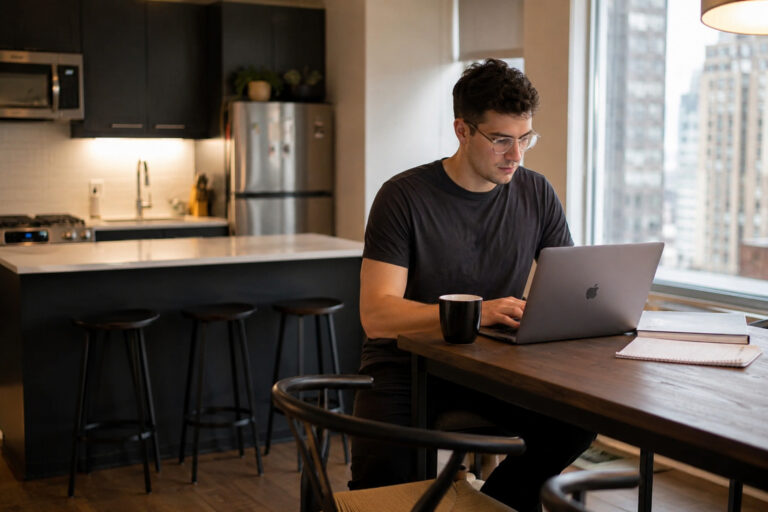
Let’s address the elephant in the room (which, in a NYC apartment, is probably taking up half the living room). A lot of remote workers try to make it work by sitting at their kitchen or dining table.
Look, we get it. Space is precious. But dining tables are built for eating, not for eight hours of typing. They are usually too high, forcing you to hike your shoulders up to your ears like you’re permanently bracing for a cold wind off the Hudson River. Plus, dining chairs offer zero lumbar support. Sitting in one for a full workday is a fantastic way to develop a lower back ache that makes you walk like you just got off a 14-hour flight from JFK.
If you don’t have room for a dedicated desk, get a wall-mounted drop-leaf desk or a compact writing desk. It doesn’t need to be massive; it just needs to be at the right height so your elbows can rest at a comfortable 90-degree angle.
Step 2: Get a Real Throne (No, the Couch Doesn't Count)
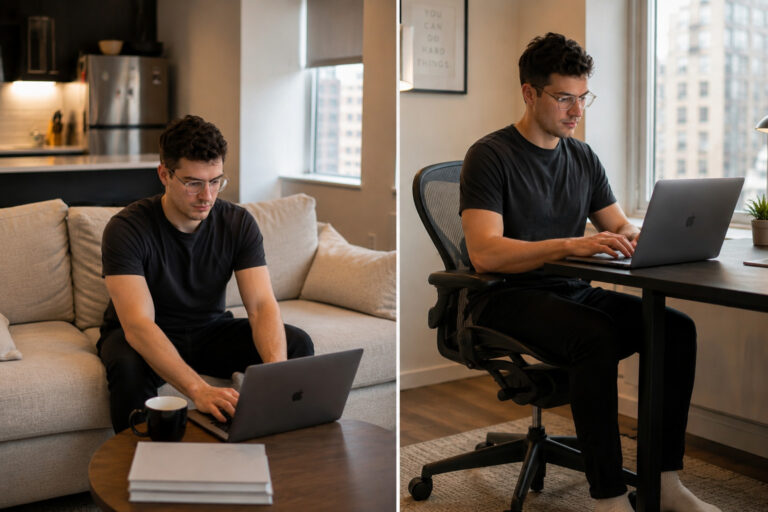
Your couch is for watching the Knicks lose, ordering Seamless, and aggressively ignoring your laundry pile. It is not for working. When you work from the couch, your hips sink, your lower back rounds, and your neck cranes forward. It’s an ergonomic disaster.
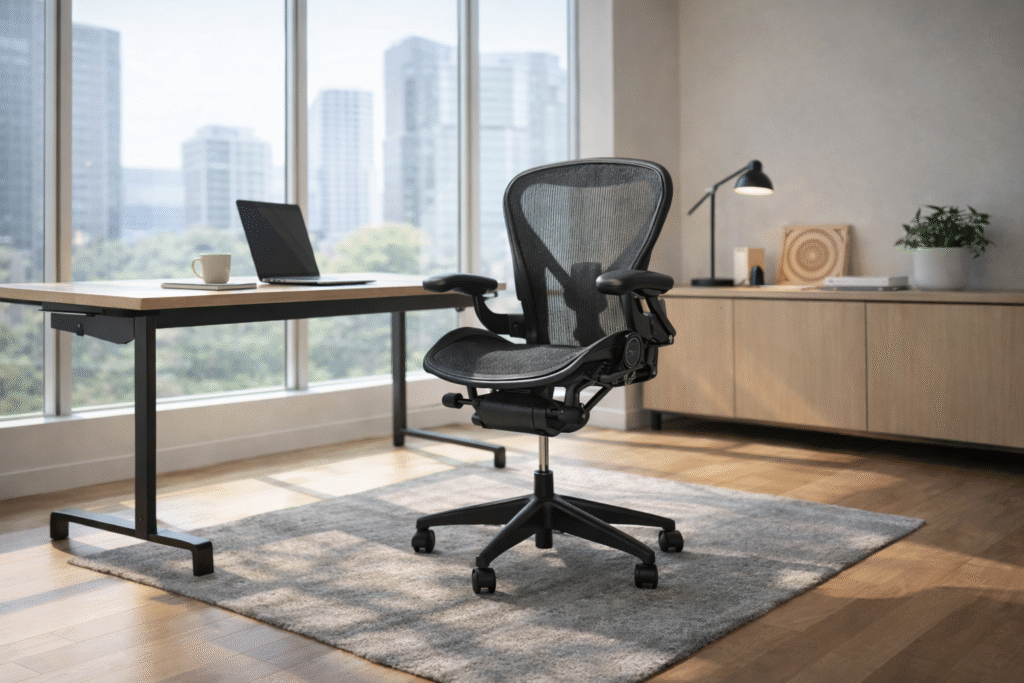
You need a dedicated, high-quality ergonomic chair. And no, we aren’t talking about those neon, bucket-seat gaming chairs that look like they belong in a go-kart track in Secaucus. We’re talking about real, biomechanically sound seating.
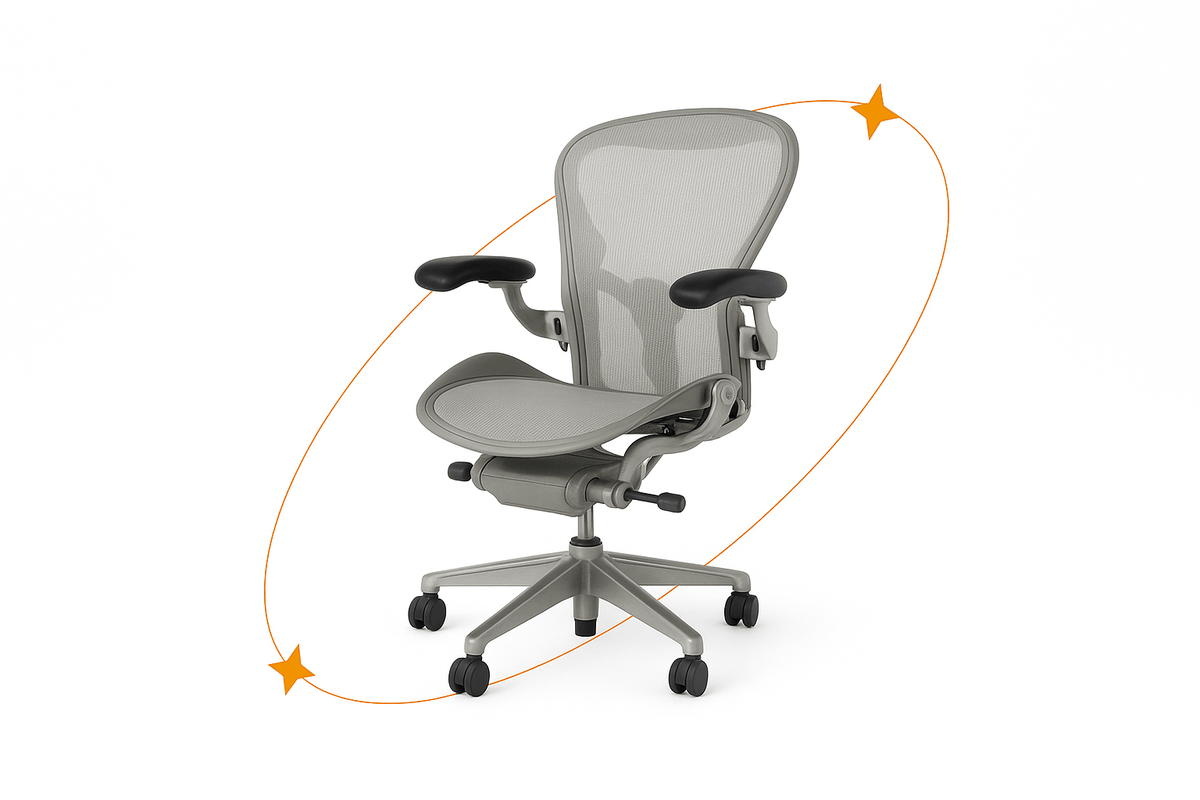
Since you’re already paying an ungodly amount of rent for a shoebox, you probably don’t want to drop $1,500 on a brand-new luxury office chair. This is exactly why you should look into refurbished ergonomic chairs. Brands like Herman Miller and Steelcase make chairs that literally last for decades. Buying a refurbished model gives you that top-tier, cloud-like support for a fraction of the cost. Your lower back will thank you, and your bank account won’t hate you.
Step 3: Fix the "Tech Neck" Epidemic
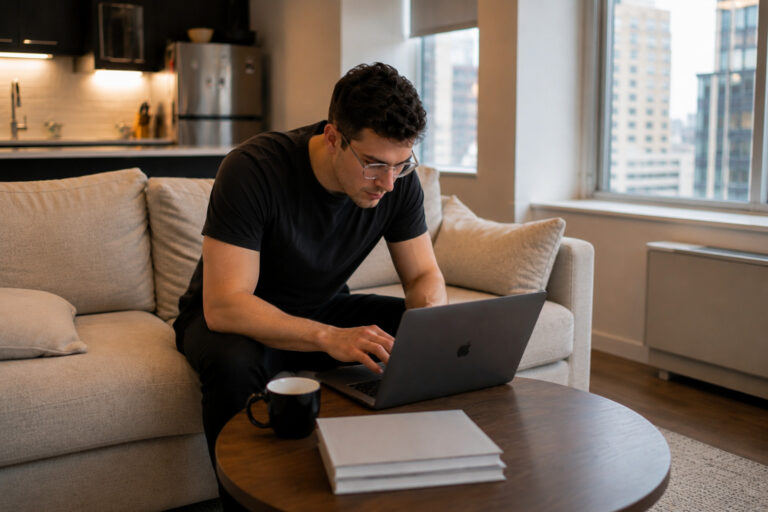
If your monitor or laptop is sitting flat on your desk, you are looking down. Looking down all day puts up to 60 pounds of extra pressure on your cervical spine. Congratulations, you’ve just given yourself “tech neck,” which is basically the New York City of neck pain: it’s always there, it’s annoying, and it ruins your day.
Raise your screen. The top third of your monitor should be at or slightly below eye level. If you’re using a laptop, buy a cheap laptop stand and use an external keyboard and mouse. Yes, it takes up a little more desk space, but unless you enjoy paying $200 for chiropractor visits in the East Village, it’s a necessary sacrifice.
Step 4: Lighting and the "Dungeon" Effect

A lot of NYC apartments, especially ground-floor units in Brooklyn or basement-level studios, suffer from a severe lack of natural light. If you’re working in a literal dungeon, your eyes are going to strain, leading to headaches and fatigue.
If you don’t have a giant window overlooking Central Park, you need to fake it. Get a good desk lamp with adjustable brightness and color temperature. Avoid harsh, cool-white bulbs that make your apartment look like a sterile dentist’s office in Midtown. Go for warm, adjustable lighting. And if you do have a window, position your desk perpendicular to it. Facing the window causes glare on your screen, and having the window directly behind you creates a silhouette effect that makes you look like a suspect in a true-crime documentary on Zoom calls.
Step 5: The "Bodega Break" Rule

Ergonomics isn’t just about the gear; it’s about how you use it. The best ergonomic chair in the world won’t save you if you sit in it for 10 hours straight without moving. The human body was designed to walk, stretch, and move, not to be folded into a 90-degree angle while staring at a glowing rectangle.
Implement the “Bodega Break” rule. Every 45 to 60 minutes, get up. Walk to the corner bodega. Buy a coffee you don’t really need, say hi to the bodega cat, and stretch your legs. The physical act of leaving your apartment, even just for three minutes, resets your posture, clears your brain fog, and reminds you that there is a whole city outside your bedroom window.
The Bottom Line
Living and working in New York City is an extreme sport. You deal with noise, crowds, construction, and the eternal mystery of why the G train is always delayed. You shouldn’t have to add chronic back pain and eye strain to that list.
Setting up a proper ergonomic workspace in a tiny apartment takes a little creativity and some smart shopping, but it is absolutely worth it. At ErgSolutionsOnline, we’re here to help you find the perfect refurbished chairs and ergonomic gear to make your tiny NYC workspace feel like a million bucks.
Stop slouching, stop squinting, and stop working from the couch. Your spine has already paid enough NYC taxes.